Features
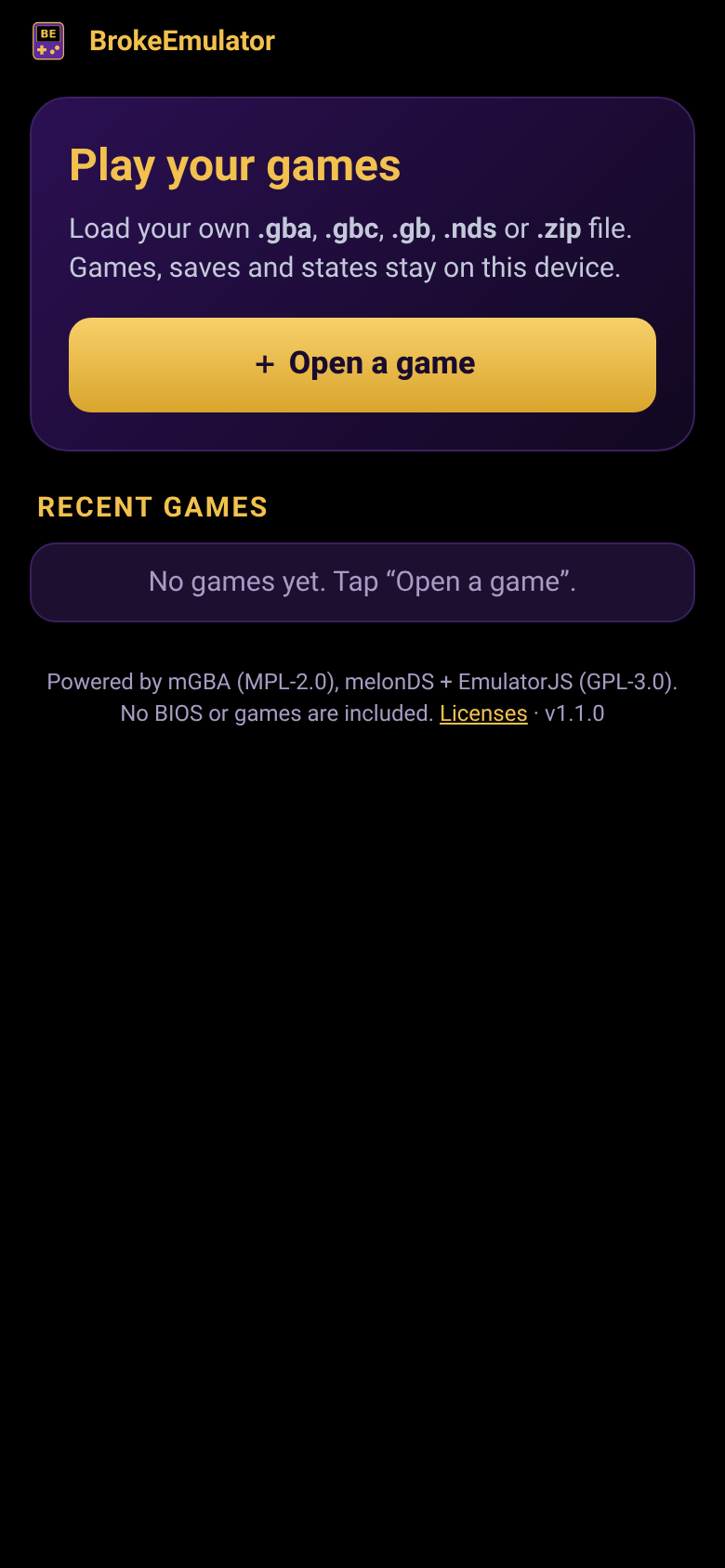
Your games, your deviceOpen .gba, .gbc, .gb, .nds or .zip files from your phone. They stay in a recent-games list on your device, so you only pick them once.
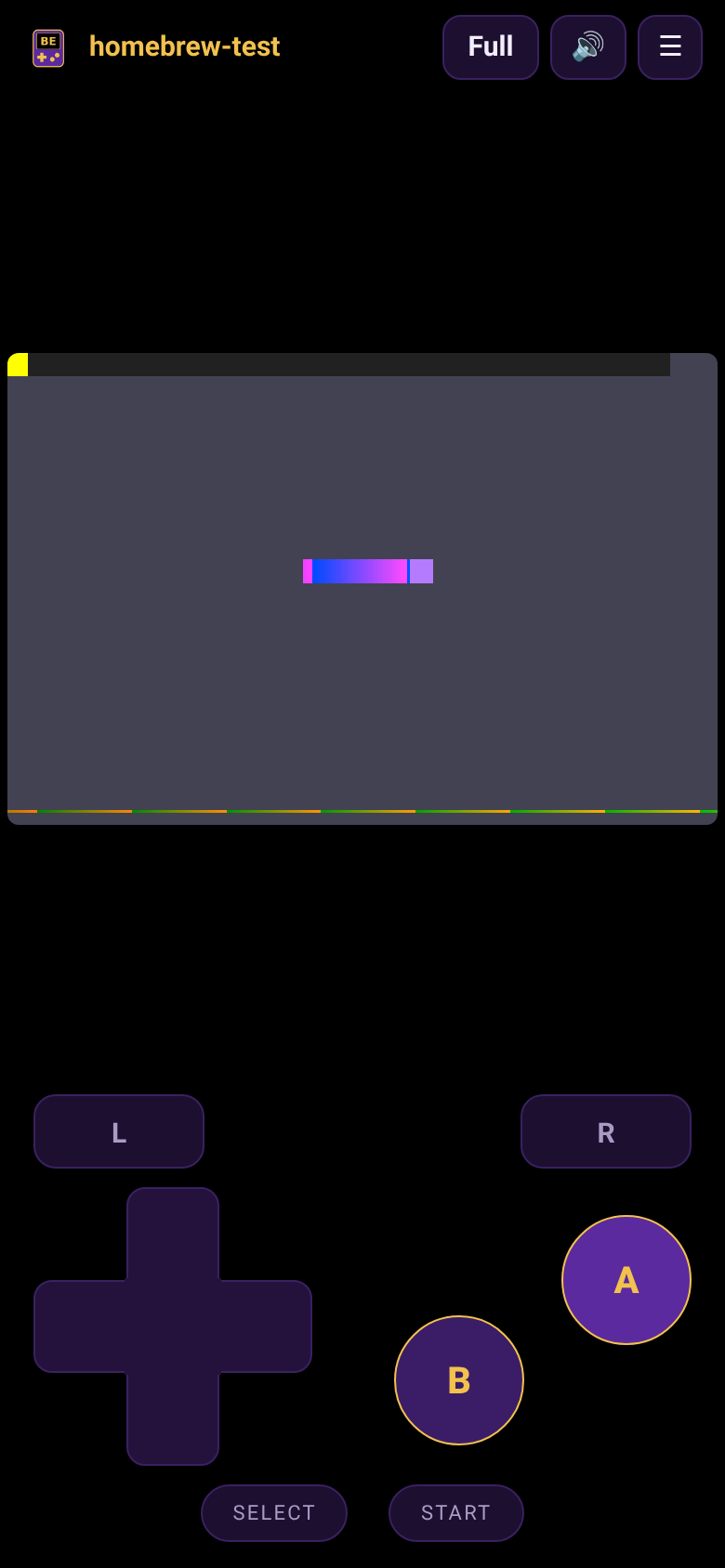
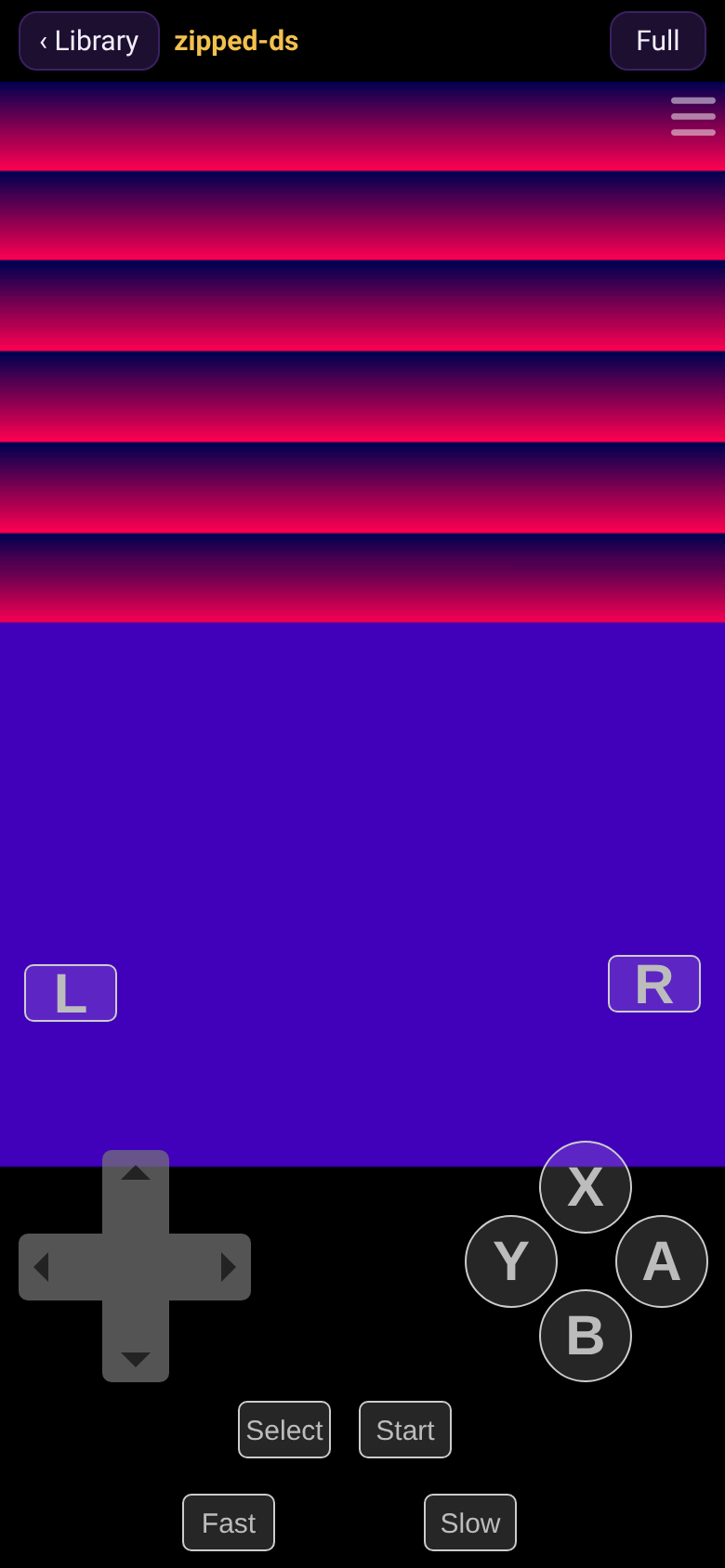
Touch controlsD-pad, A/B (plus X/Y on DS), L/R, Start and Select, laid out for portrait and landscape. Keyboard and gamepads work too.
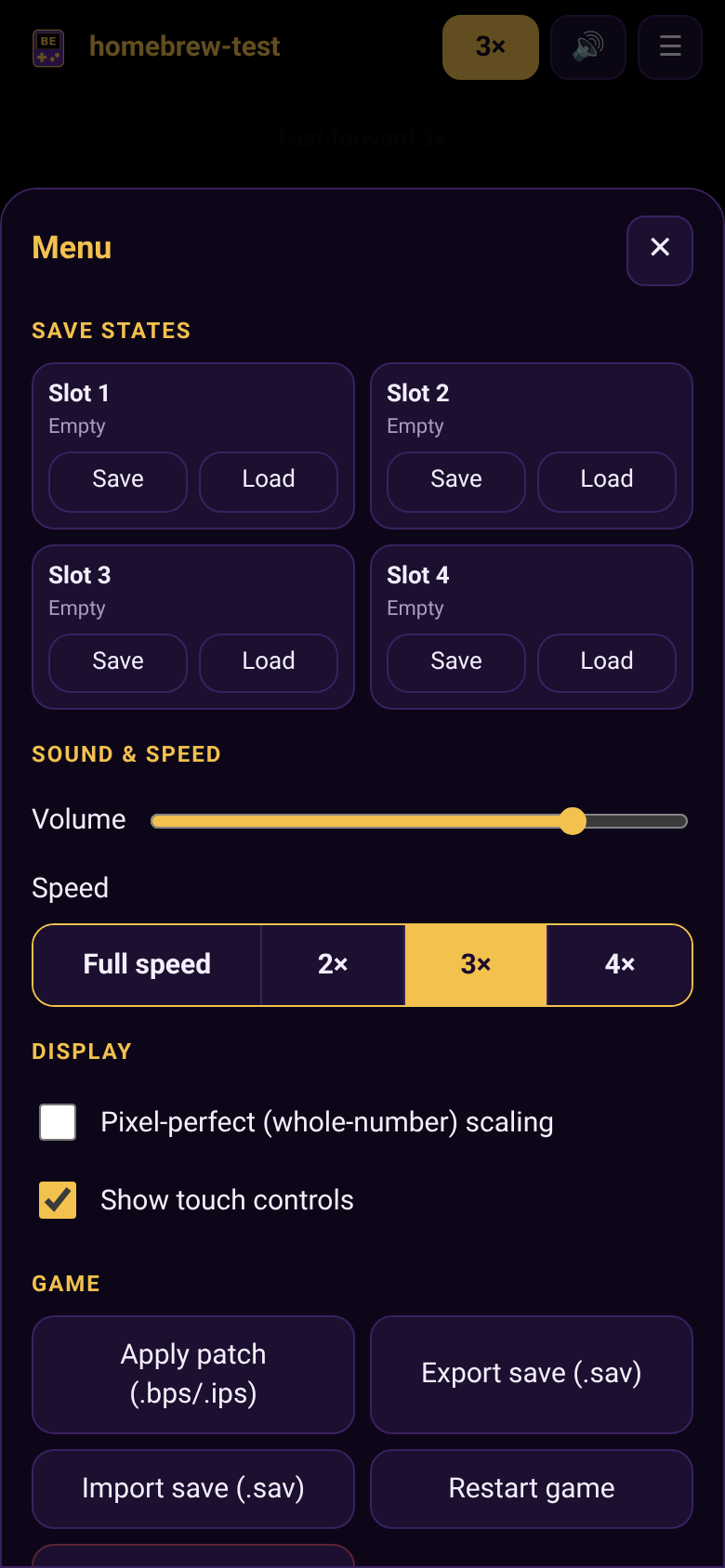
Saves that stickIn-game saves are kept automatically. Export or import .sav files, and use save states with several slots.
Speed controlFull speed, or fast-forward at 2×, 3× or 4× with one tap.
Nintendo DSBoth screens shown stacked in portrait or side by side in landscape. Touch the bottom screen with your finger to use it like the stylus.
ROM patchesApply .bps or .ips patches to GB, GBC and GBA games to play fan translations and ROM hacks.
Works offlineAfter your first visit it runs without internet, like a real app.
No BIOS neededUses the emulators' built-in open replacements. No Nintendo files are included.
Screenshots
Install it on your home screen
iPhone / iPad (Safari)
- Open this page in Safari and tap Play.
- Tap the Share button (square with an arrow).
- Scroll down and tap Add to Home Screen, then Add.
- Open BrokeEmulator from the new icon.
Android (Chrome)
- Open this page in Chrome and tap Play.
- Tap the ⋮ menu at the top right.
- Tap Add to Home screen or Install app, then confirm.
- Open BrokeEmulator from your app drawer or home screen.
Where do games come from?
BrokeEmulator doesn't include or link to any games. Use backups of games you own (for example, dumped from your own cartridges with a cartridge reader), or free homebrew games.